Plem Lab
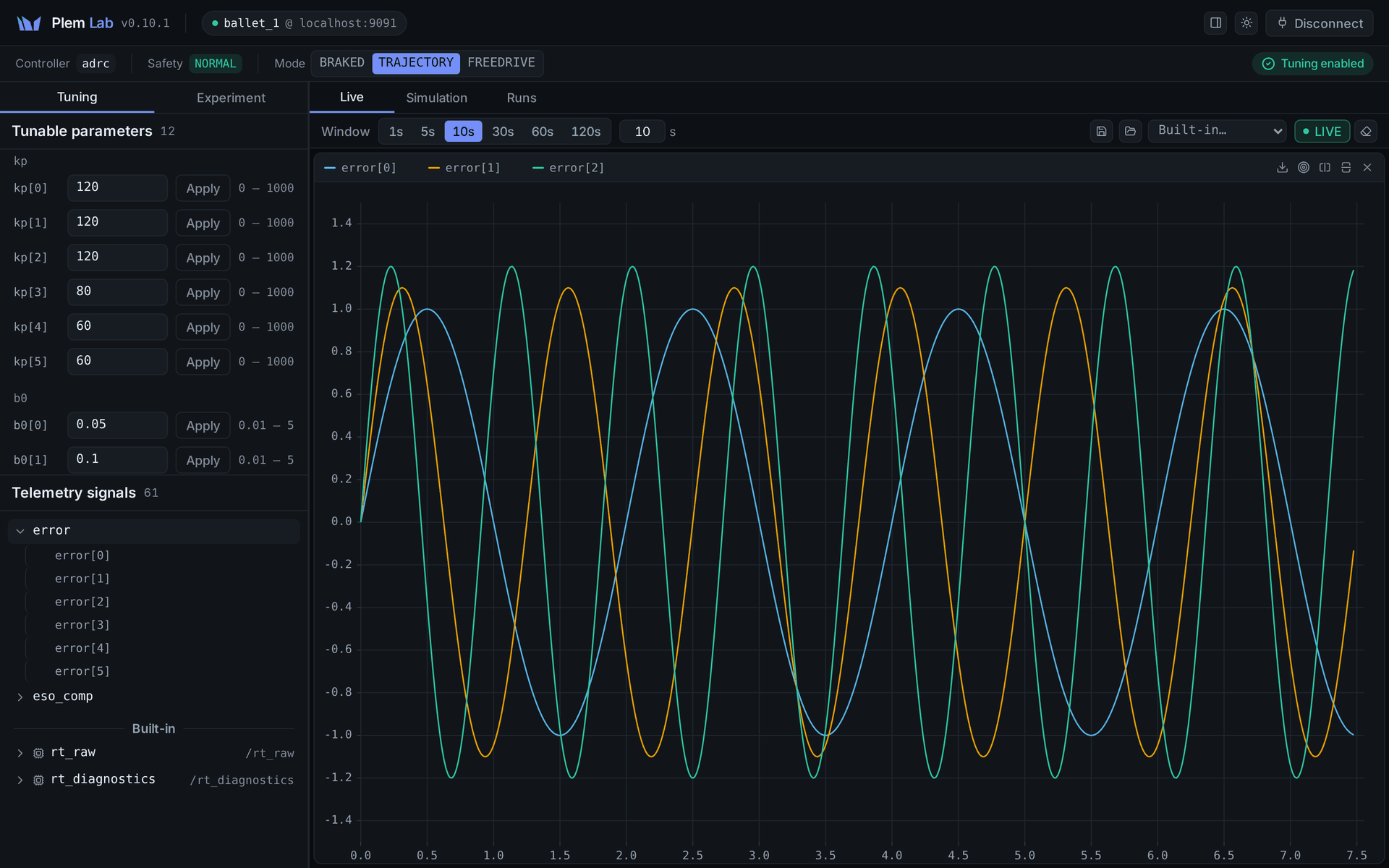
Plem Lab is the console for tuning controllers and watching their signals. A custom torque controller is also finished here: you tune and observe it in Lab.
Lab needs a running robot stack, so start it from the plem TUI first. The address is http://.
If a PLEM is locked page opens instead of the console, see Troubleshooting › License.
| Page | Covers |
|---|---|
| Connecting and the screen | Connecting, the status bar, switching modes, Protective Stop recovery, the pose panel |
| Tuning parameters | The Tuning tab: applying values, result marks, locks |
| Signals and thresholds | The Live tab: signal tree, plots, saved layouts, convergence and violation checks |
| Experiments and simulation | Building a stimulus, previewing it, running and recording |
| Comparing and exporting runs | Comparing recordings, statistics, exporting files |
| Custom torque controller | Loading your own control law as a plugin |
What each mode allows
What the console can do depends on the robot mode and the safety state.
| State | Tuning | Signal stream | Mode switch |
|---|---|---|---|
| TRAJECTORY · NORMAL | Yes | Yes | Yes |
| BRAKED · NORMAL | Yes | No controller signals | Yes |
| FREEDRIVE | No | No controller signals | Yes |
| PROTECTIVE_STOP | No | No controller signals | Locked. Only Recover |
| Recording an experiment | Follows the mode and safety state | Yes | Only FREEDRIVE is locked |
While the brakes are on, the controller is suspended, so it sends no controller signals. In the three states without controller signals, the built-in signals can still arrive: rt_, rt_, and ft_ when the robot has an F/T sensor.
One console watches one robot.
The Teaching Pendant and the TUI take turns on the robot through a shared lock. Lab does not take that lock, so they cannot tell that Lab is using the robot. While you tune or run an experiment, do not command the same robot from the Pendant or the TUI.